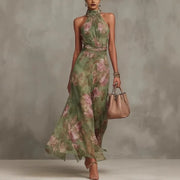
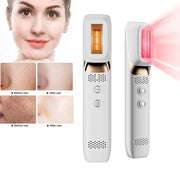
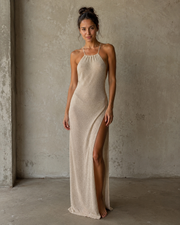
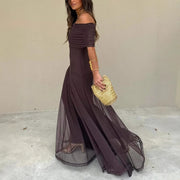
Fit & Size Help
Send a fit question before checkout when you are between sizes, shopping for an event, or comparing silhouettes. Alyvera support can help you decide what to order, what to avoid, and what details to check on the product page.
Use this when you are choosing between two sizes, checking length, or deciding whether a dress, top, trouser, or layer suits your plan.
Height, usual size, bust, waist, hip, and the exact product name or link help support reply with less back and forth.
If you need the item for a date, include the event date and delivery country so support can flag obvious timing risks.
Advice is based on the information available. Checkout must be completed while the item and size are still available.
Before you submit
- Open the product page and note the exact product name, color, and size you are considering.
- Use the Size Guide for body-measurement ranges.
- Use the Fit & Fabric Guide for fabric behavior, stretch, length, and care expectations.
- If the item is for an event, include the event date and delivery country.
For returns after checkout, use Start a Return. For skincare-tech or secure-living setup, use Warranty & Device Support.